
Softminal
Products/ImageCraft

ImageCraft – AI Alt Text, Image Compression & WebP for WordPress

The all-in-one image toolkit: generate AI alt text & titles, compress images without losing quality, rename files for SEO, and audit your media library — all in one plugin. Compression runs 100% locally and free. For AI, use the WordPress 7.0 native AI Client — or bring your own Anthropic Claude, OpenAI GPT-4o, or Google Gemini key.

5.0 on WordPress.org
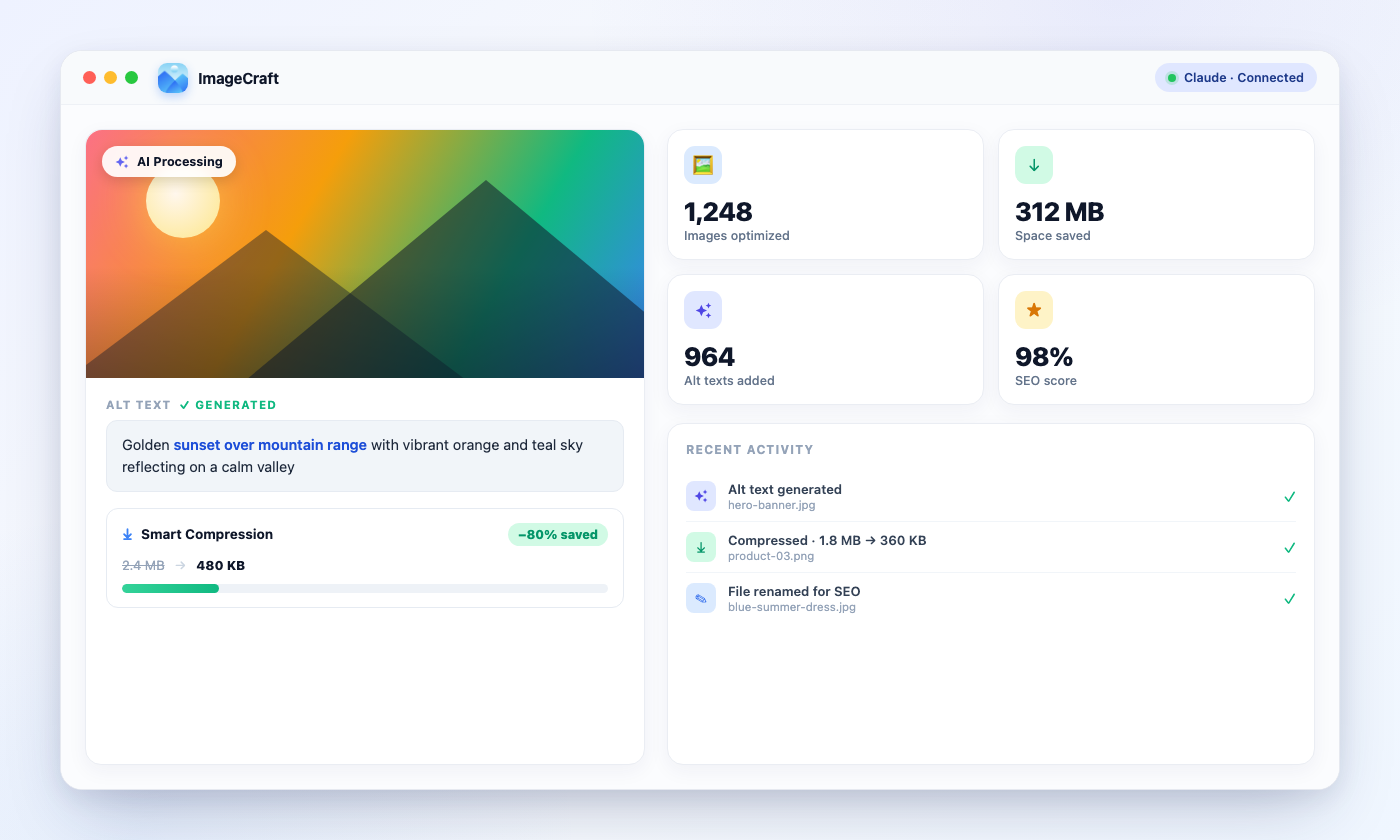
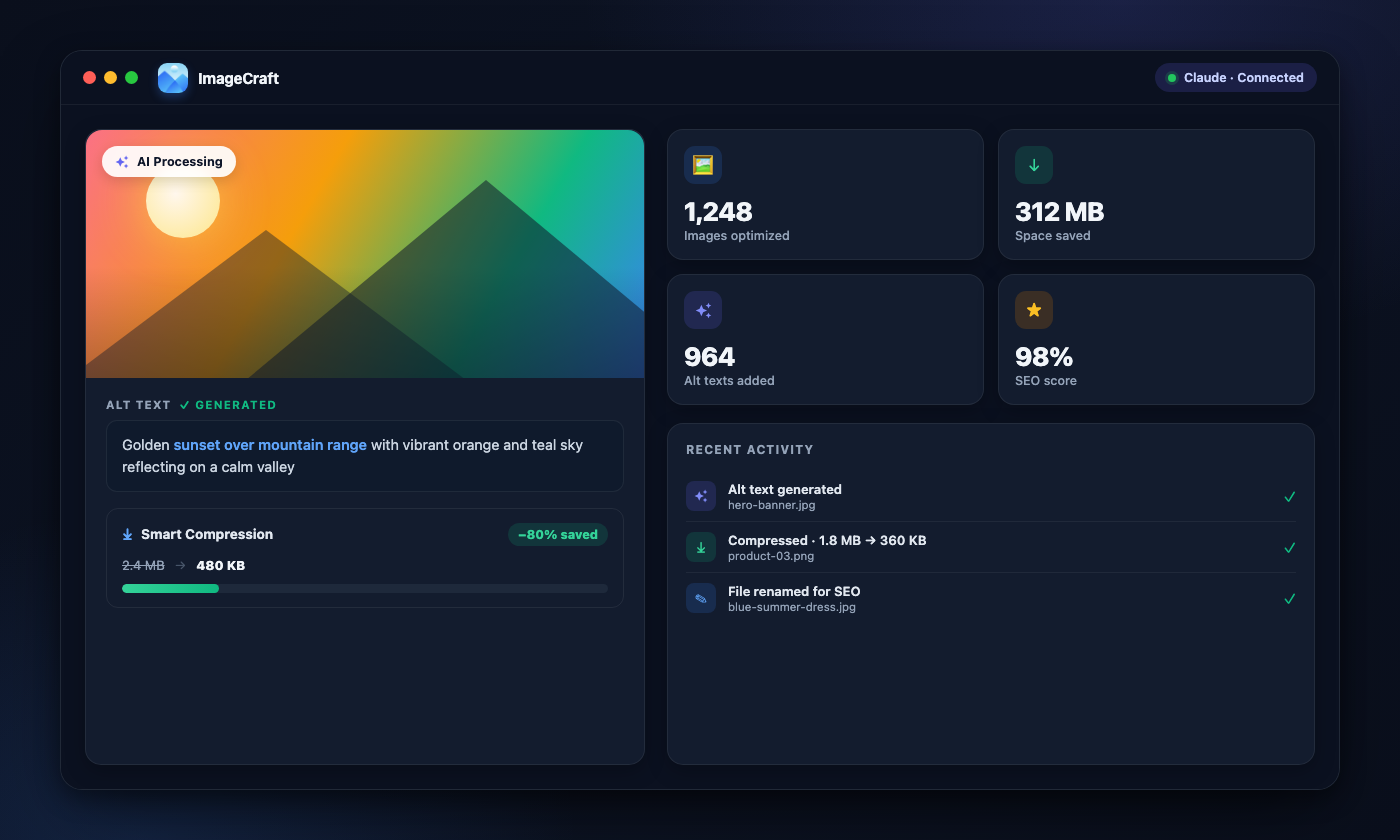
ImageCraft – AI Alt Text, Image Compression & WebP preview
Works withYoast SEO logoRank Math logoAIOSEO logoSEOPress logoWooCommerce logoGutenberg logoKadence logoSpectra logoFileBird logo+ more
FEATURES

Everything You Need for Image SEO

Smart Image Compression

Shrink JPG, PNG, GIF & WebP files without visible quality loss — runs 100% locally on your server, no external service. Every original is backed up for one-click restore.

Next-Gen WebP Conversion

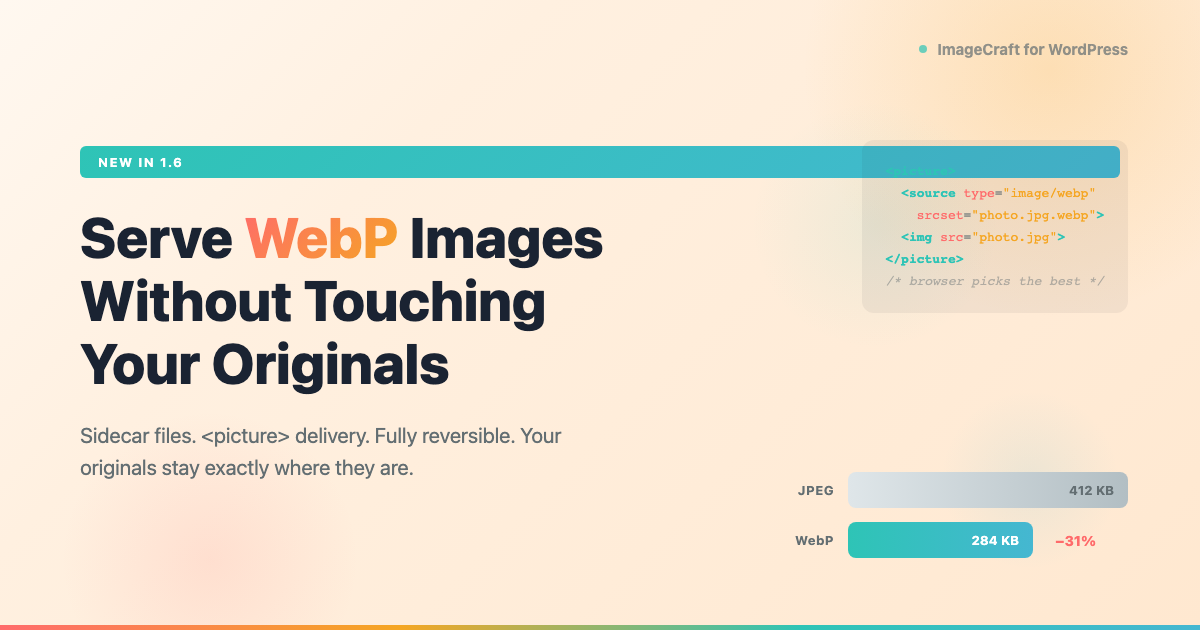
Generate WebP copies beside your originals and serve them through a standard <picture> element. Nothing is overwritten, every thumbnail size is covered, and it's fully reversible in one click.

Image Fallbacks

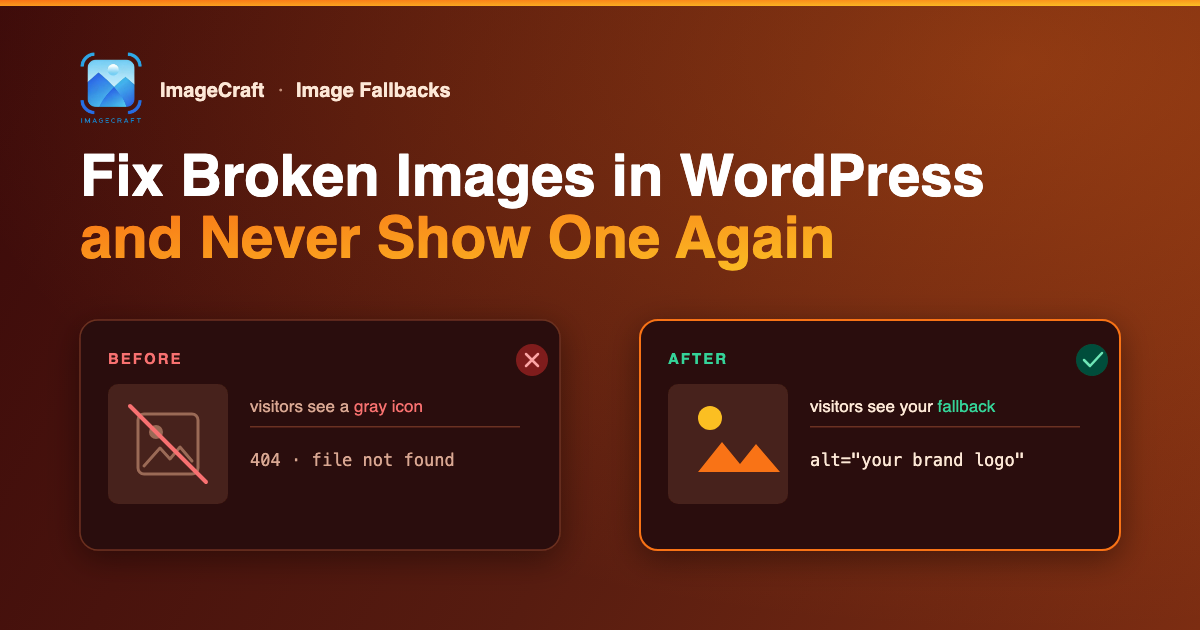
Never show a broken image again — pick one fallback that appears whenever an image fails to load, and as the featured image for posts that don't have one. Non-destructive and reversible.

WordPress Native AI Support

Works with the built-in WordPress 7.0 AI Client — generate using your site's configured AI connector with no API key to manage. Or bring your own Claude, GPT-4o, or Gemini key.

Alt Text, Titles & Descriptions

Generate all three in a single AI call — pick the fields you want per image or per batch, and pay for one request instead of three.

Media Library Scanner

Scan your entire media library with advanced filters — date range, alt text quality, file size, and missing/generic alt detection.

Batch Processing

Run your whole library in one go — alt text, titles and descriptions, compression, or WebP conversion — with chunked processing, real-time progress, and resume after a browser close.

Auto-Generate & Auto-Compress on Upload (Pro)

With Pro, every new upload is processed in the background automatically — alt text, titles and descriptions generated, and the image compressed, without lifting a finger.

7 Tone Options

Professional, Casual, Technical, SEO, plus 3 WooCommerce-specific tones — or write your own custom prompt.

PRICING

Start Free, Upgrade When You Need More

The free plugin does everything — Pro removes the 50/day limit and adds priority support, multi-site licensing, and automatic updates.

Solo

1 site
$59$39/ year
Save $20
  • Licensed for 1 site
  • Unlimited actions — no daily limit on AI or compression
  • Everything in the free plugin included
  • Auto-generate & auto-compress on upload — hands-free for every new image
  • AVIF conversion where your server supports it
  • Per-post-type featured image fallbacks
  • Adjustable compression quality & resize limit
  • All integrations included
  • 65+ languages & 7 tone presets
  • 1 year of updates & support
Get Solo
MOST POPULAR

Studio

20 sites
$99$69/ year
Save $30
  • Licensed for 20 sites
  • Unlimited actions — no daily limit on AI or compression
  • Everything in the free plugin included
  • Auto-generate & auto-compress on upload — hands-free for every new image
  • AVIF conversion where your server supports it
  • Per-post-type featured image fallbacks
  • Adjustable compression quality & resize limit
  • All integrations included
  • 65+ languages & 7 tone presets
  • 1 year of updates & support
Get Studio

Agency

Unlimited sites
$199$149/ year
Save $50
  • Licensed for unlimited sites
  • Unlimited actions — no daily limit on AI or compression
  • Everything in the free plugin included
  • Auto-generate & auto-compress on upload — hands-free for every new image
  • AVIF conversion where your server supports it
  • Per-post-type featured image fallbacks
  • Adjustable compression quality & resize limit
  • All integrations included
  • 65+ languages & 7 tone presets
  • 1 year of updates & support
Get Agency

Remove the daily limit and unlock priority support, multi-site licensing, and automatic updates.

14-day money-back guaranteeSecure checkout via PolarCancel anytime
Feature
Free
Pro
AI alt text, image titles & file renaming
Smart local image compression & restore
SEO audit dashboard & generic-alt detection
WooCommerce, Gutenberg, Kadence & Spectra
65+ languages & 7 tone presets
Bring your own API key (Claude / GPT / Gemini)
Daily actions (AI + compression)
50 / day
Unlimited
Priority email support
Multi-site license
1 / 20 / Unlimited
Automatic updates from Softminal
COMPARISON

ImageCraft vs AltText.ai

See why ImageCraft is the most comprehensive image SEO solution for WordPress.

Feature
ImageCraft
AltText.ai
Local image compression (no external service)
Bulk compress media library
Original backup & one-click restore
WebP conversion with <picture> delivery
AVIF conversion
Pro
Fallback for broken & missing featured images
Works with no API key or account
Bring Your Own API Key
WordPress 7.0 native AI Client support
Multiple AI providers with 17+ AI models
Alt text, title & description in one AI call
Auto-generate on upload
Pro
Multiple tone options (7 tones)
Preview before accepting
Custom prompt support
SEO-friendly file renaming
SEO audit dashboard with score
Generic alt text detection
Focus keyphrase integration
Yoast / Rank Math / AIOSEO / SEOPress
WooCommerce SEO Friendly
WPML / Polylang auto-translation
Gallery image bulk generation
Batch processing with progress
Batch review & edit modal
Cross-page bulk selection
Advanced filters (date, size, quality)
Gutenberg editor integration
Visual dashboard with charts
Multi-language support
65+ languages
130+ languages
WP-CLI commands
AES-256-CBC encryption
See full head-to-head comparisons
FULL FEATURE SET

Everything You Get with ImageCraft

A comprehensive toolkit for WordPress image SEO — from AI generation to advanced analytics.

Image Compression

Smart local compression for JPG, PNG, GIF & WebP — quality-preserving
Runs 100% on your server — no external service, no third-party uploads
Strips bloated metadata & optimizes without visible quality loss
Longest-edge downscaling for oversized images
Compress button in the WordPress media modal
Bulk compress your entire media library with batch processing
Automatic original backup & one-click restore for every image
Never enlarges — only keeps the result when it's actually smaller
Faster pages & better Core Web Vitals for SEO

Next-Gen Formats & Fallbacks

WebP conversion — copies generated *beside* your originals, nothing overwritten
Served via a standard `` element with automatic fallback for older browsers
Covers full size plus every thumbnail size WordPress generates
Never bigger — a converted copy larger than the source is discarded
Fully reversible — remove every generated file in one click
AVIF conversion where your server supports it (Pro)
Fallback image for broken images — visitors never see a broken image icon
Default featured image for posts and pages that don't have one
Post type control for the featured-image fallback
Broken-image scan on the dashboard — find media missing from disk
Non-destructive — nothing written to your content, turn it off and it reverts

AI & Generation

WordPress 7.0 native AI Client support — use your site's AI connector, no key needed
3 AI providers (Claude, GPT-4o, Gemini) with 17+ model options
AI alt text, image title, description & SEO file-name generation
Alt text, title & description in a single AI call — pick the fields you want, pay for one request
Preview / accept / reject workflow (separate settings for alt text and title)
7 tone options: Professional, Casual, Technical, SEO, and 3 WooCommerce tones
Custom prompt builder with {max_length} placeholder
Max character length control
65+ language support

Image SEO

SEO audit score with quality breakdown
Generic and placeholder alt text detection
Too-long alt text detection
AI-powered file renaming — AI generates filenames from image content
Focus keyphrase integration (Yoast, Rank Math, AIOSEO, SEOPress)
Improves WCAG accessibility compliance for screen readers

Integrations

Generate from Gutenberg editor, Kadence blocks, Spectra blocks, and WordPress media modal
Kadence image block — alt text, title attribute, and link title generation
Spectra image block — alt text and title generation
Dedicated WooCommerce dashboard with category filtering
WooCommerce gallery image bulk generation
WooCommerce auto-generate on product image upload (Pro)
Post/page title context awareness for smarter alt text

Bulk & Workflow

Media library scanner with advanced filters (date range, file size, alt quality)
Batch generation with live progress
Bulk field picker — choose alt text, title and/or description per run
Batch compression and batch WebP conversion, not just text generation
Resume interrupted batch jobs — pick up after a browser close
Single-owner concurrency control — prevents duplicate processing across tabs
Auto-generate & auto-compress on new uploads (Pro)
Skip images that already have alt text
Post type exclusion — skip Pages, custom post types, etc.
Configurable batch size and request timeout

Dashboard & Security

Usage & cost tracking dashboard with charts
Generation history with status tracking
Recent activity feed on dashboard
Guided setup wizard with provider cost comparison
Modern SPA interface — no page reloads
API keys encrypted with AES-256-CBC, stored in your own database
VIDEO TUTORIAL

See ImageCraft in Action

Watch our step-by-step walkthrough to learn how ImageCraft transforms your WordPress image SEO workflow.

FAQ

Frequently Asked Questions

The ImageCraft plugin is free. Image compression runs locally on your server at no cost, and for AI you only pay your provider directly (or use your site's WordPress AI Client). The free plan includes up to 50 actions in any rolling 24-hour period, shared across AI generation and compression; upgrade to Pro (from $39/yr) for unlimited actions, priority support, and multi-site licensing.
Yes. Image compression, WebP conversion, image fallbacks, and the media SEO audit all run entirely on your own server and need no API key, no account, and no signup — you can skip the setup wizard completely. An API key (or your site's WordPress 7.0 AI Client) is only needed for the AI features: alt text, titles, descriptions, and file renaming.
No. Compression is completely separate from AI generation — it doesn't touch your API key or use any AI tokens. ImageCraft compresses images with a local engine that runs on your own server using the image libraries WordPress already has (Imagick/GD). There's no per-image cost and no external service, so you can compress your entire library for free.
Yes. ImageCraft includes a built-in, quality-preserving compressor for JPG, PNG, GIF, and WebP that runs entirely on your own server — no external service and no uploads to a third party. It strips bloated metadata, optionally downscales oversized images, and only keeps the result when it's actually smaller. Every original is backed up automatically, so you can restore any image with one click. Compress single images from the media modal or bulk-optimize your whole library.
Yes. ImageCraft generates WebP copies beside your originals and serves them through a standard <picture> element, so supporting browsers get the smaller file and everything else falls back automatically. It covers full size plus every thumbnail size WordPress generates, and discards any copy that would be larger than the source. AVIF is available on Pro, where your server supports it. WebP conversion is free and off by default — enable it under Performance → Next-gen Formats.
No. Nothing is overwritten. Your original files, their URLs, and your media library entries are untouched — the converted copies simply sit alongside them. It is fully reversible: remove every generated file in one click and your site is exactly as it was.
Pick one fallback image and ImageCraft shows it whenever an image on your site fails to load, and as the featured image for posts that don't have one. A broken-image scan on the dashboard tells you which media files are missing from disk. It's non-destructive — nothing is written to your content, so turning it off reverts everything. Pro adds per-post-type featured fallbacks and a scheduled scan with email alerts.
Pro removes the 50-action daily limit and adds hands-free automation: alt text, titles and descriptions generated automatically on every new upload, plus auto-compression. It also unlocks AVIF conversion (where your server supports it), per-post-type featured image fallbacks, and adjustable compression quality and resize limits. Pro starts at $39/yr flat — never per image — and includes priority support, multi-site licensing, and automatic updates.
Either works. ImageCraft supports the WordPress 7.0 native AI Client — if your site already has an AI connector configured, ImageCraft uses it automatically with no API key to manage. Prefer your own provider? Just add an Anthropic Claude, OpenAI GPT-4o, or Google Gemini key.
We recommend Anthropic Claude (claude-haiku-4-5) for the best quality at the lowest cost — about $0.0008 per image. OpenAI GPT-4o mini and Google Gemini 2.5 Flash are also supported.
Yes. Your API key is encrypted with AES-256-CBC using WordPress security keys and stored in your own database. It is only decrypted in memory when making API calls.
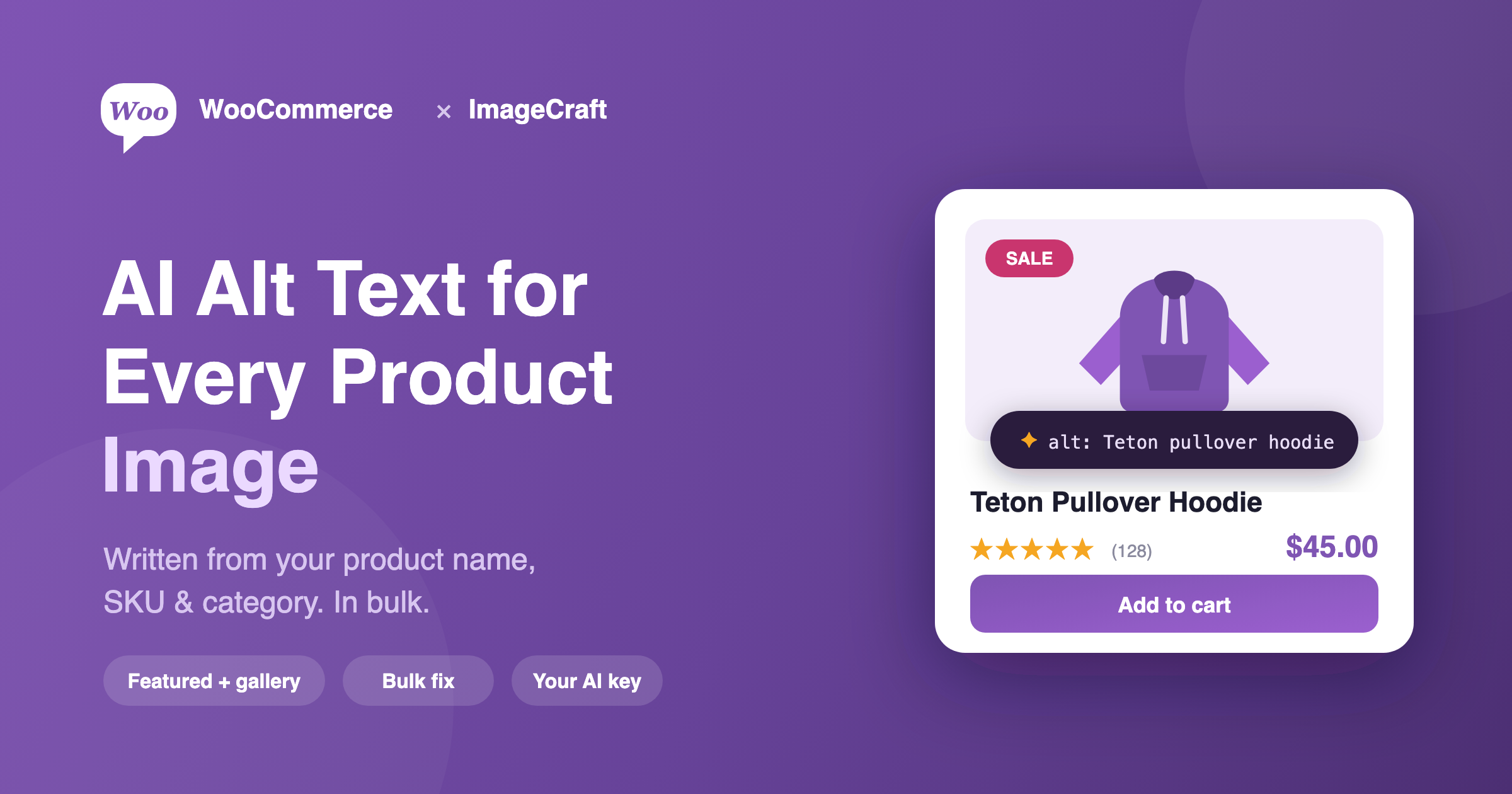
Yes! ImageCraft includes 3 WooCommerce-specific tones (SEO, Descriptive, Lifestyle) and automatically builds context from product name, category, and SKU — plus you can compress product and gallery images for a faster store.
Yes. The plugin supports 65+ languages including Spanish, French, German, Japanese, Chinese, Arabic, Hindi, Tamil, Korean, and many more.
You can select up to 500 images using the scanner filters, then process them in configurable chunks (default: 5 per request) with real-time progress tracking. Batches aren't limited to alt text — you can run compression or WebP conversion the same way, and pick exactly which fields to generate (alt text, title, description) for each run. If your browser closes mid-run, you can resume where you left off.
Yes. By default, 'Preview before accept' is enabled — generated alt text stays in a pending state until you accept, edit, or reject it.
Need More Help?

Still have a question?

If you couldn't find the answer above, visit our support portal for guides, troubleshooting help, and plugin support resources.

FROM THE BLOG

ImageCraft articles & guides

Read all ImageCraft articles

Ready to Improve Your WordPress Image SEO?

Use ImageCraft to generate alt text, optimize filenames, and improve accessibility across your site.